
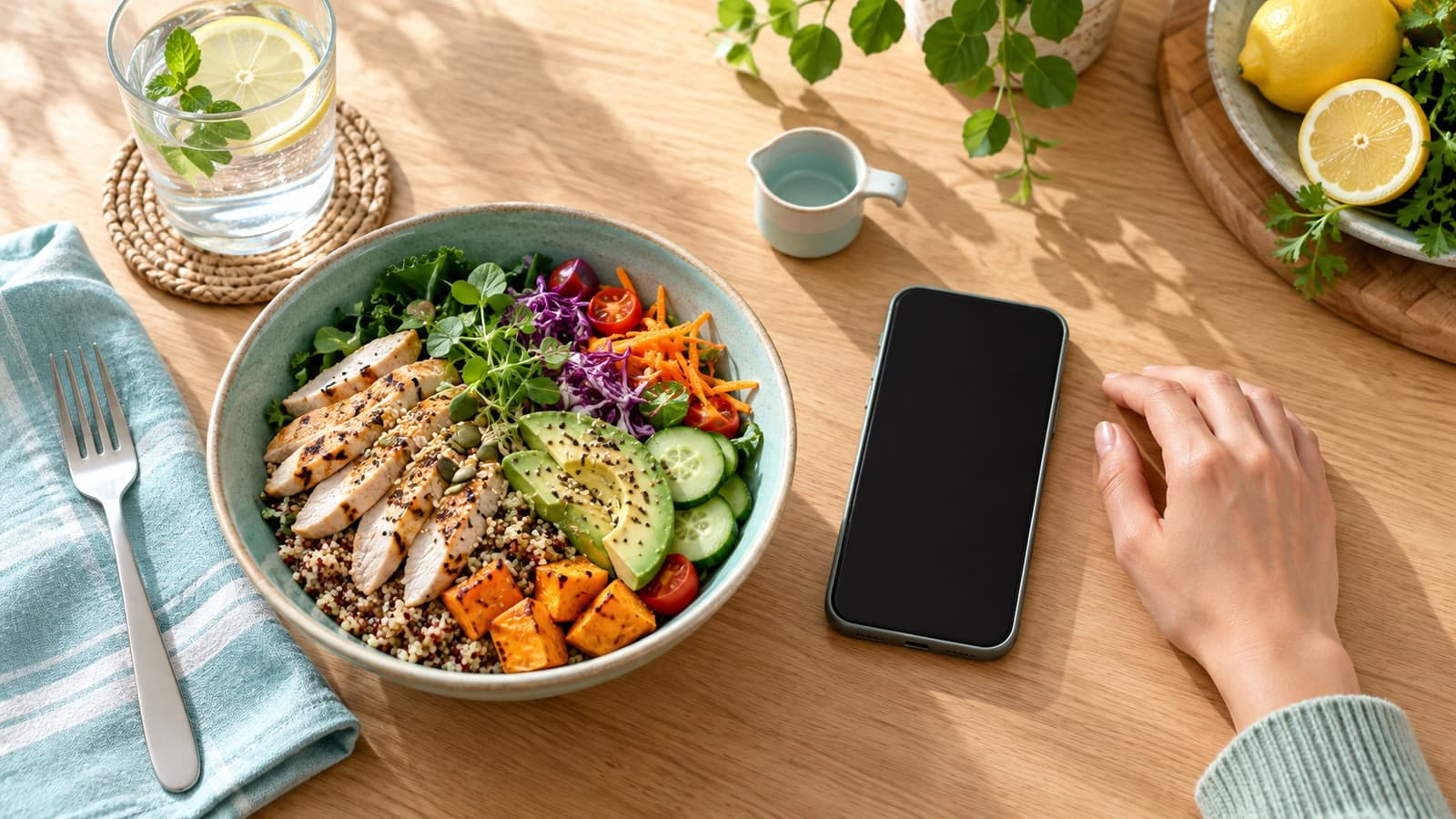
You log a homemade lunch in one app and get one calorie total. Out of curiosity, you try another app and get a different number. Nothing about the lunch changed, so what happened?
The apps may be using different food entries, portion sizes or recipe assumptions. A food entry is an estimate based on the information behind it, not a direct measurement of the meal on your plate.
Start with the entry, not the total
Imagine a bowl with rice, chicken, vegetables and dressing. One app might offer a generic “chicken rice bowl” entry. Another might ask you to add each ingredient. The first entry could assume a different amount of rice, a different cut of chicken or a sauce that wasn't in your meal.
Even entries with the same name may come from different databases. Some may describe a branded product, others a generic food or a user-created recipe. A study comparing several food-tracking apps found differences in nutrient estimates and pointed to database choices and user customization as possible contributors. It didn't test every app or establish the error in your lunch.
Compare the portions
Look at the unit next to each entry. Is one describing a cup and the other a package? Does one use a cooked weight while the other refers to the food before cooking? Are both describing the same amount you actually ate?
For the rice bowl, check the rice entry first, then the chicken and dressing. A dressing entered as one tablespoon in one app and a larger serving in another can change the total even when the ingredient name is identical. You don't need to weigh everything to notice that the entries are describing different meals.
If you're using a packaged ingredient, the serving size on its label can help you understand what the entry represents. For a restaurant meal or family recipe, the exact ingredients and portions may be less certain. An estimate is still an estimate even when the app displays a very specific number.
Recipes have hidden assumptions
One saved recipe might include cooking oil, cheese or a sauce that another leaves out. It may also divide the recipe into a different number of servings. Open the ingredient list if it is available and compare the entries with how the meal was prepared.
If you often make the same dish and tracking is helpful, you could save your own version with the ingredients you normally use. Adjust the portion when your serving changes. That saves time without pretending every homemade serving is identical.
You can also stop when the information is good enough for your purpose. Spending twenty minutes resolving a small discrepancy may add more work than value to lunch.
While taking a GLP-1
Some people use an app to notice meal patterns or discuss nutrition with a dietitian. Others prefer a short written note or no tracking at all. If your appetite has changed, a record of what feels manageable and when you struggle to eat may be more useful at an appointment than a collection of exact-looking totals.
Ask your care team what information would help them support you. Our practical progress dashboard has ideas that go beyond calorie counts.
If tracking pushes you to skip meals, repeatedly correct entries or feel anxious about eating, bring that up. A different approach may serve you better.
Before you pick an app
Consider how it handles privacy, whether you can find familiar foods and whether its reminders suit you. Check the cost and what happens to your data if you stop using it. A useful tool should make a task easier, not create a second job.
When totals disagree, look at the assumptions first. The most useful answer may be that both numbers are approximations—and that lunch doesn't need an audit before you can enjoy it.